The 'Messages' tab, along with the 'Bookings' and 'Payments' tabs, only becomes visible after you have received a message (or booking or payment).
If you haven’t received any messages yet, don’t worry! The tab will automatically appear as soon as you get your first message.
Once you receive a message, you will be promptly notified via email and WhatsApp. These notifications will include a link to the message thread, making it easy for you to jump right into the conversation without any hassle. This ensures that you never miss an important message.
To view all of your conversations, simply select 'Messages' from the side panel in your profile. 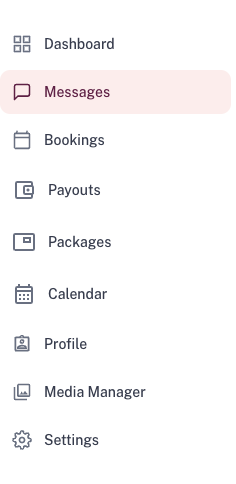 You can also filter by 'Unread' to only see messages thatyou haven't opened.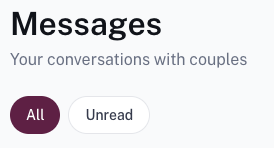
Was this article helpful?
That’s Great!
Thank you for your feedback
Sorry! We couldn't be helpful
Thank you for your feedback
Feedback sent
We appreciate your effort and will try to fix the article