The media manager is where you upload, organise and update all the content couples can see on your profile and packages.

Adding a new gallery
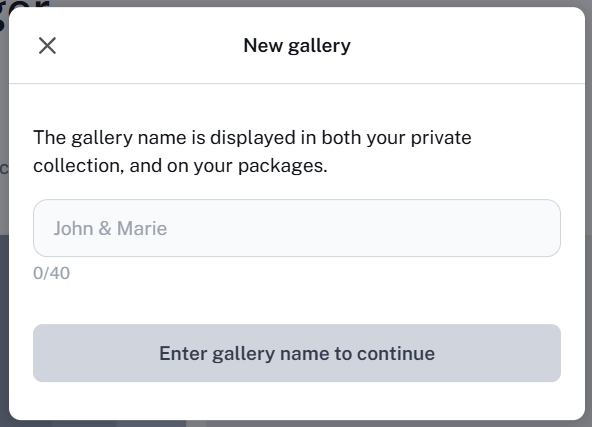
Select New gallery+  Give it a name (e.g. 'Sam and Alex').
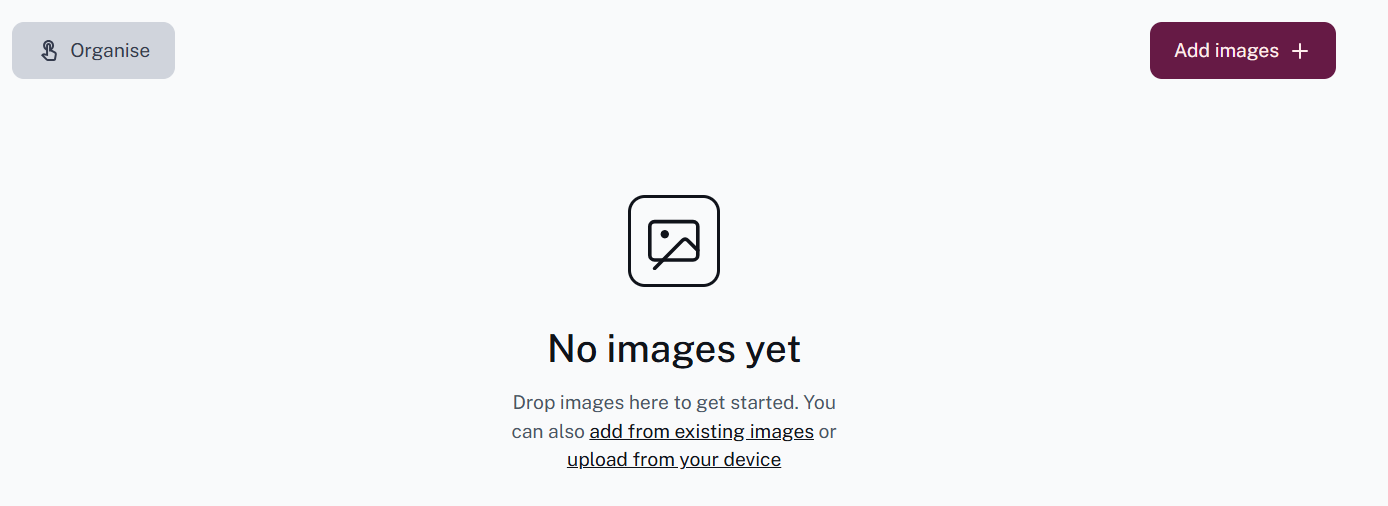
  Press 'Add images' to upload from your device, or 'Add from existing images' to use photos already in your media manager.
Editing an existing gallery
Click into the gallery and press 'Add images' to add more photos.
 You can drag and drop images to reorder them, and select individual images by pressing the circle in the top left corner of each one, or select all by pressing the 'Organise' button.
Deleting a gallery
Click into the gallery and press the dustbin button to delete it.
Uploading videos
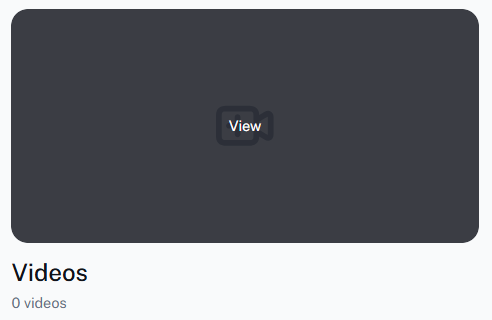
Click into your 'Videos' folder
 Drop your file or click to open your device folder to upload.
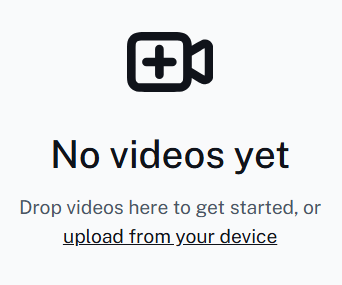 Your video will be visible on your profile straight away and sent to our team for processing
Was this article helpful?
That’s Great!
Thank you for your feedback
Sorry! We couldn't be helpful
Thank you for your feedback
Feedback sent
We appreciate your effort and will try to fix the article