Videos are managed in the same way as images, through your Media Manager.
To upload a new video:
- Go to the Media Manager tab on your profile
- Click into the Videos folder

- Press Upload
- Select the file
To add a video to a specific package:
- Go to Packages and open the package you want to update
- Click Edit in the Media section
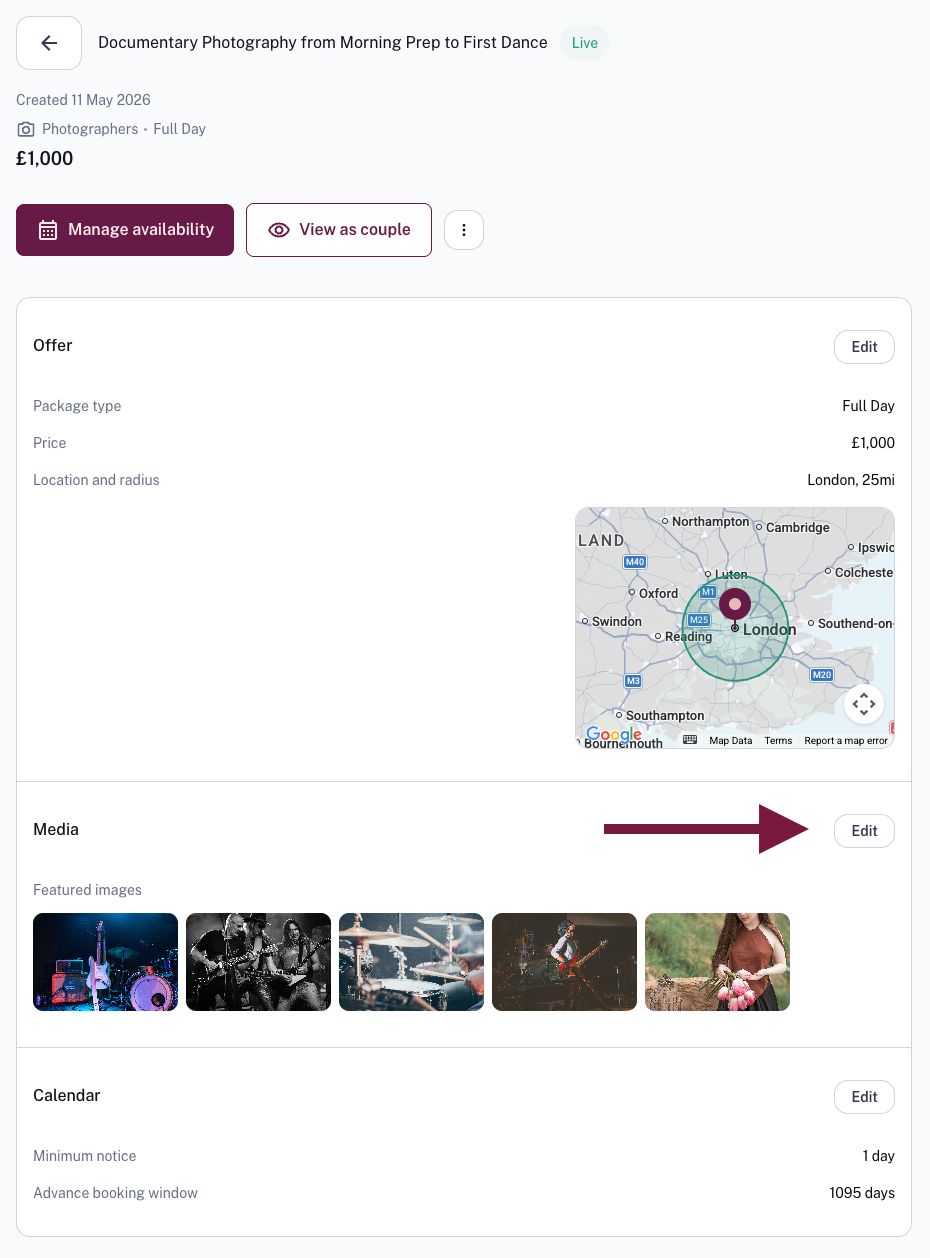
- Select the video(s) from your Media Manager you'd like to include, you can also upload new videos directly from here
- Click through to save your changes
Was this article helpful?
That’s Great!
Thank you for your feedback
Sorry! We couldn't be helpful
Thank you for your feedback
Feedback sent
We appreciate your effort and will try to fix the article