Yes! There are a few ways to offer a custom package depending on your situation.
Option 1: Create a new custom package
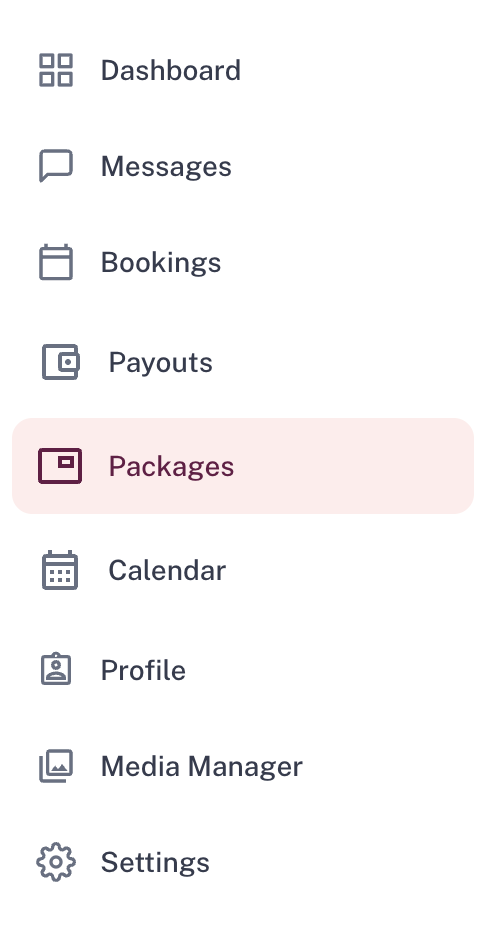
- 1Go to Packages and select + Create Package
- 2Once approved, send the package URL to the couple via the messaging feature.
- 3Once the booking is confirmed, you can hide the package from your profile if you'd like.
Pro tip
Give the package a vague title like "Custom Package" or "Bespoke Listing" and you can reuse it for future couples, just adjust the price and radius as needed. Changing the price won't affect any previous bookings.
Option 2: Offer a custom price on an existing package
If the package already exists and you just want to offer a different price, use the variable pricing feature:
- 1Log in and go to Packages.
- 2Select the package they want to book.
- 3Go to Manage Availability
- 4Select the date of the couple's wedding.
- 5Click the Offer Discount
- 6Enter the new price for that specific date.
Option 3: Add-ons
You can also add a variety of add-ons to each package, allowing couples to customise your existing package to suit their needs, without creating anything new. Couples can add these to their confirmed bookings if they want to upgrade extras at a later date.
Was this article helpful?
That’s Great!
Thank you for your feedback
Sorry! We couldn't be helpful
Thank you for your feedback
Feedback sent
We appreciate your effort and will try to fix the article