Yes, you can create multiple packages on wedissimo to showcase different services, styles, or packages. We encourage you to add as many as you’d like to give couples more choice and help showcase everything you offer.
How to create a package
- Go to the Packages tab in your wedissimo profile
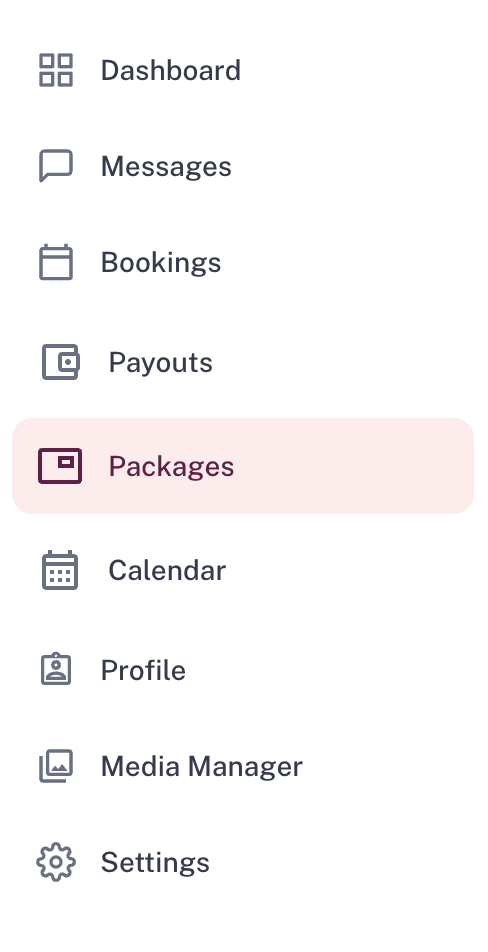
- Click + Create Package

- Select the category your service comes under
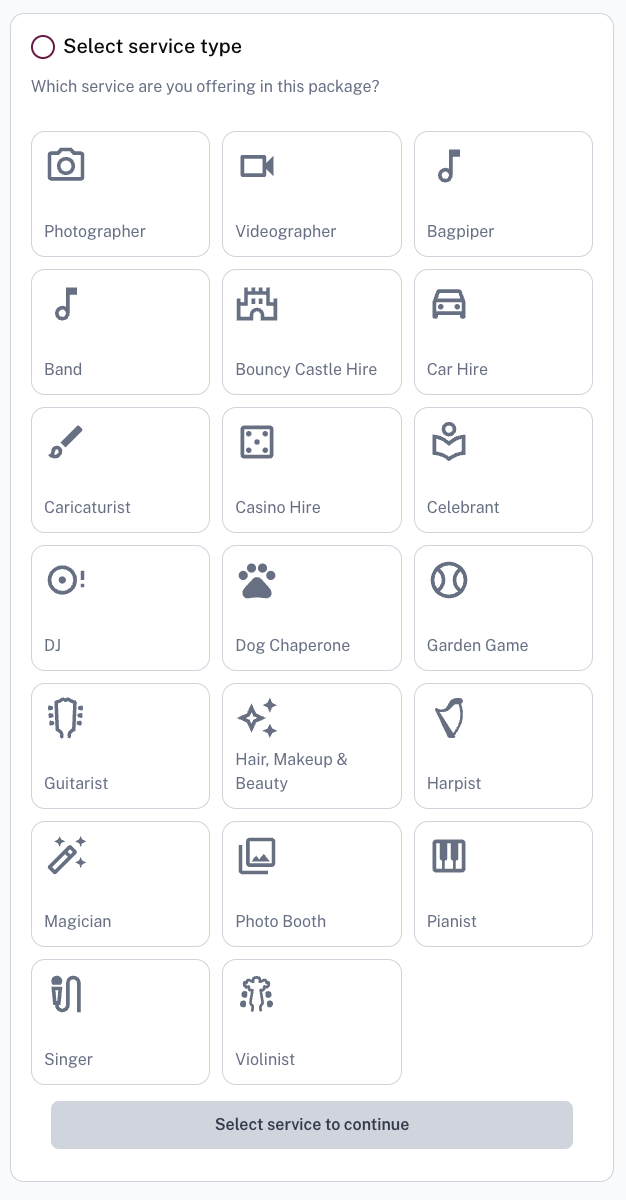
- Fill in your package details:
- Give it a descriptive title
- Write a clear, compelling description
- Select what's included with your service
- Pick a package type
- Set a price
- Set a working area
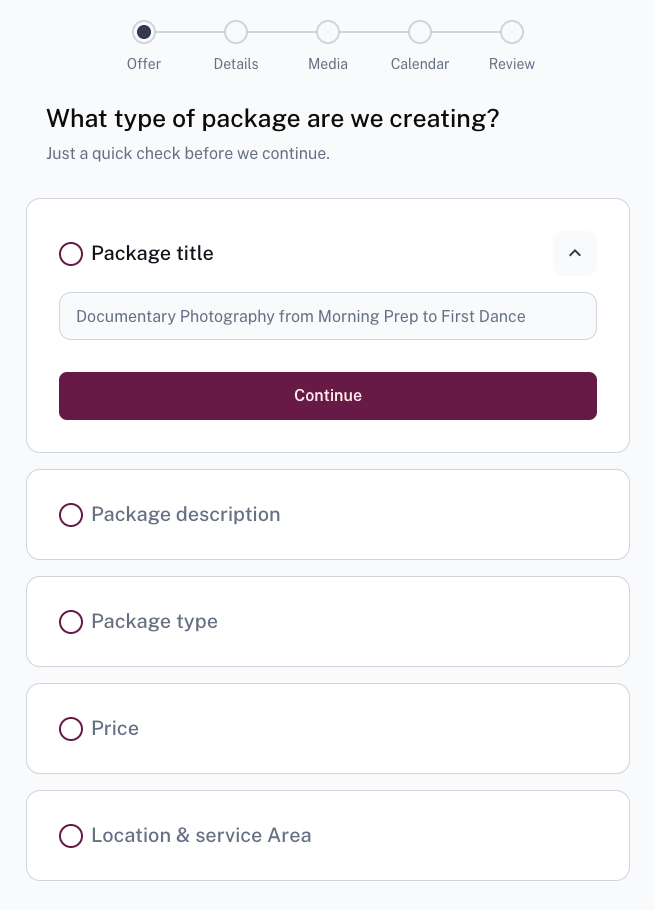
- Depending on your package category, you will then be asked to input some further details like package length and what's included.
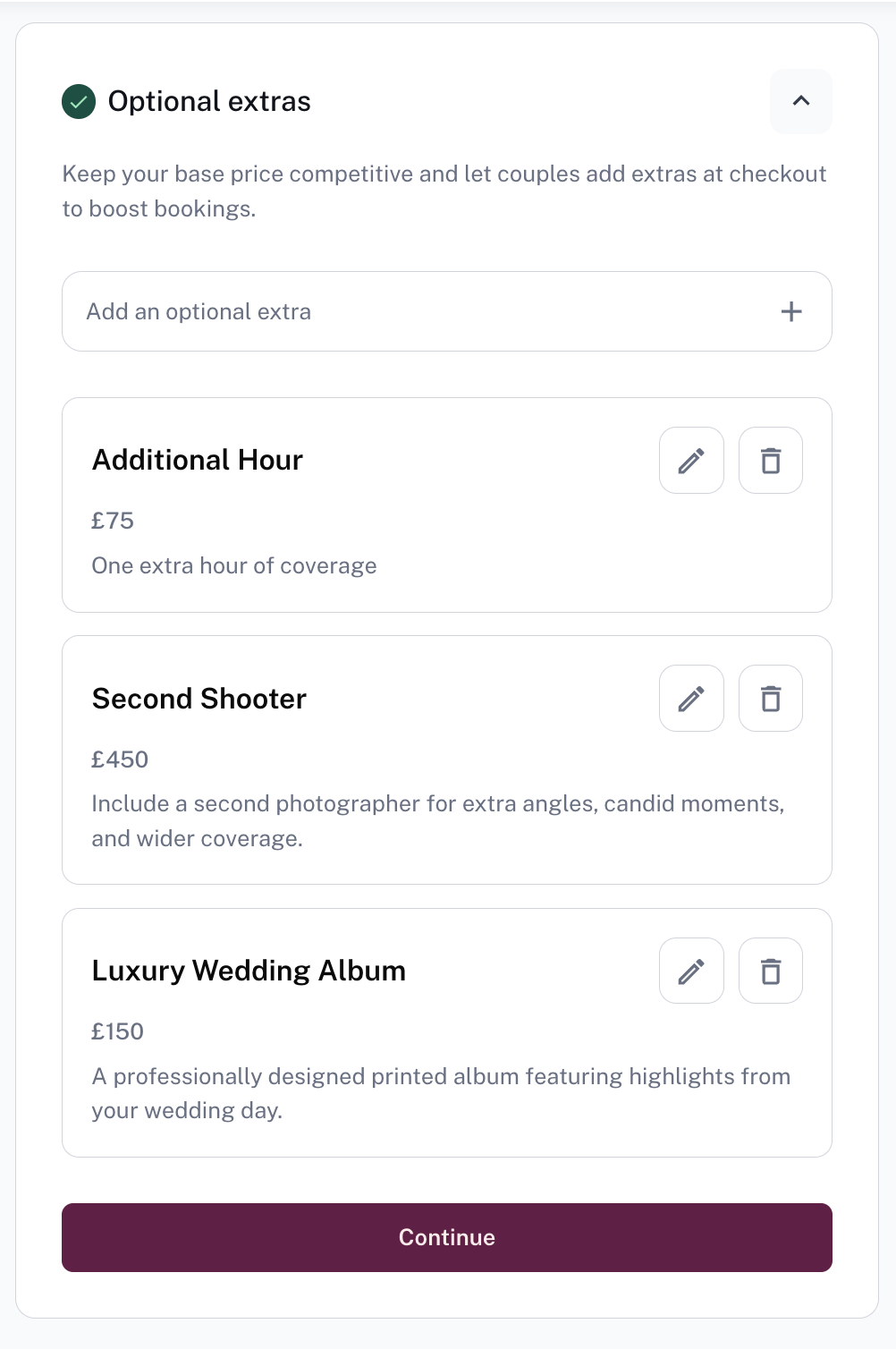
- You can then set some optional extras. We recommend setting at least a couple of extras so couples can personalise their package, and to boost your booking value.
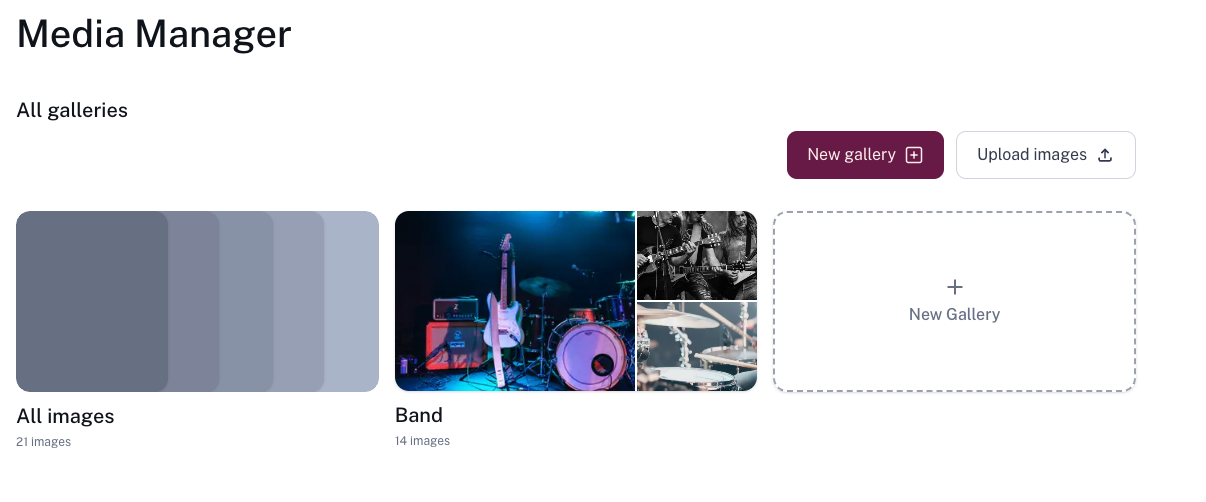
- Add photos and videos to your package by opening the Media Manager. From there, you can upload new content from your device or select media already uploaded to your account.
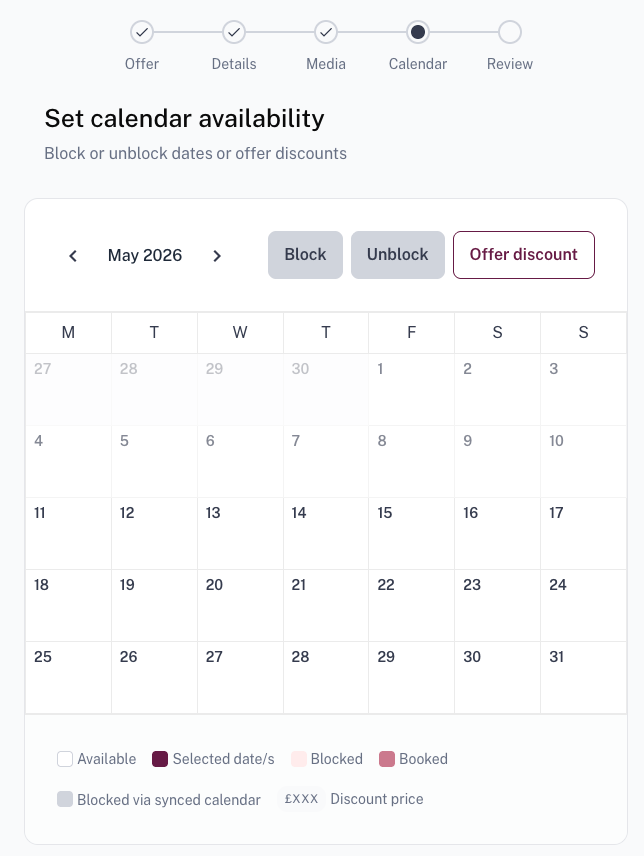
- Manage your availability
- Manually block off certain dates
- Apply any discounts
- Set your booking window
- Review the entered details, and Save & send for review
Approval
All new packages go through a quick approval process to make sure they're properly formatted before appearing in search results. We aim to approve them as quickly as possible.