You can update your packages at any time.
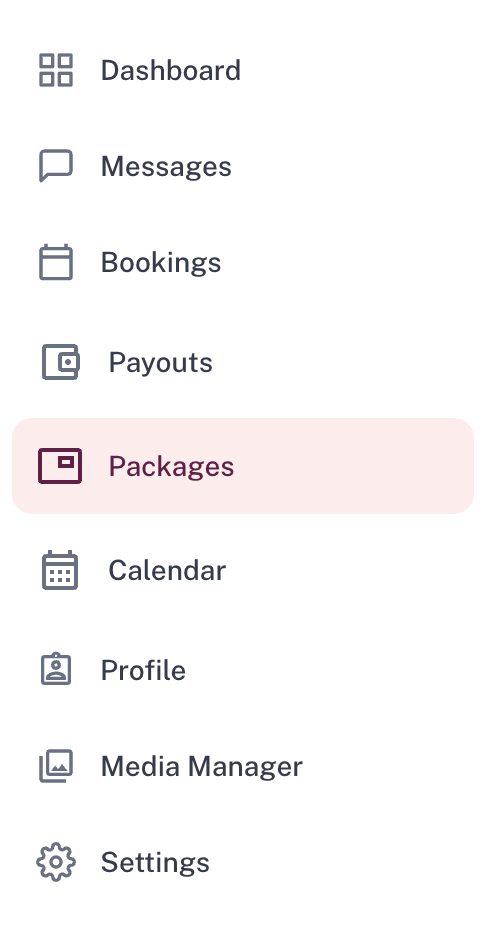
Simply go to Packages
 Click into the package you want to update, and select Edit next to Offer.
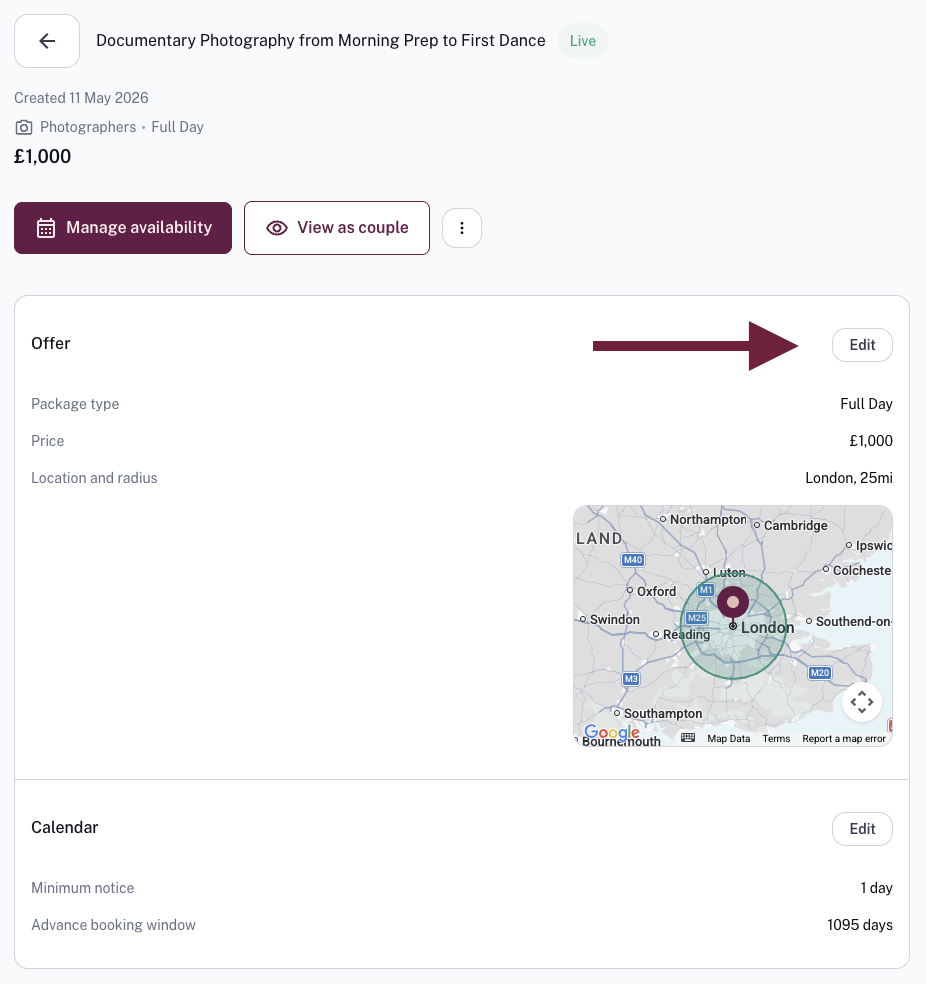
From here you can update any of your package features.
- Title and description
- Price
- Working area
- Linked images and videos
- Availability\
Make sure to use 'Continue' to click through all sections and save your changes at the end.
Was this article helpful?
That’s Great!
Thank you for your feedback
Sorry! We couldn't be helpful
Thank you for your feedback
Feedback sent
We appreciate your effort and will try to fix the article