Extras are a great way to offer clients more flexibility and increase your booking value, things like a second shooter, a makeup trial, or an additional hour.
How to add extras
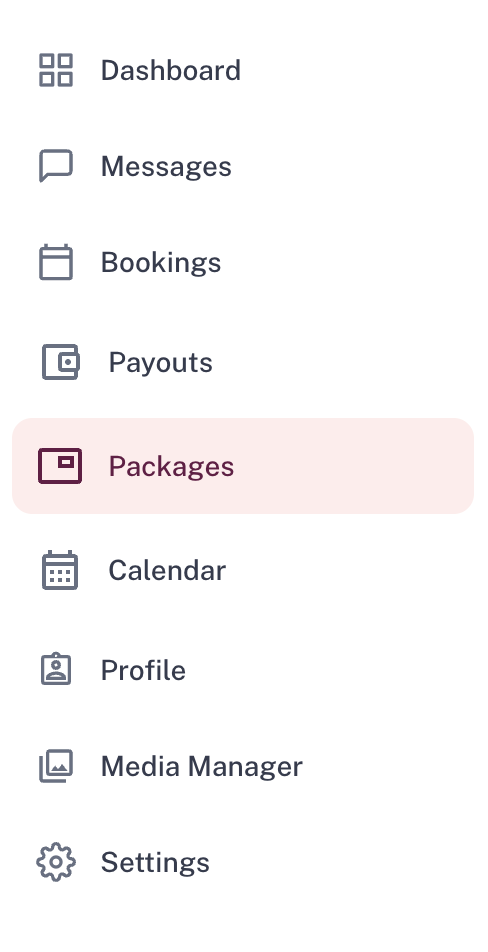
- Go to the Packages tab
- Click into the listing you want to add extras to
- Scroll to the Details section, and press Edit

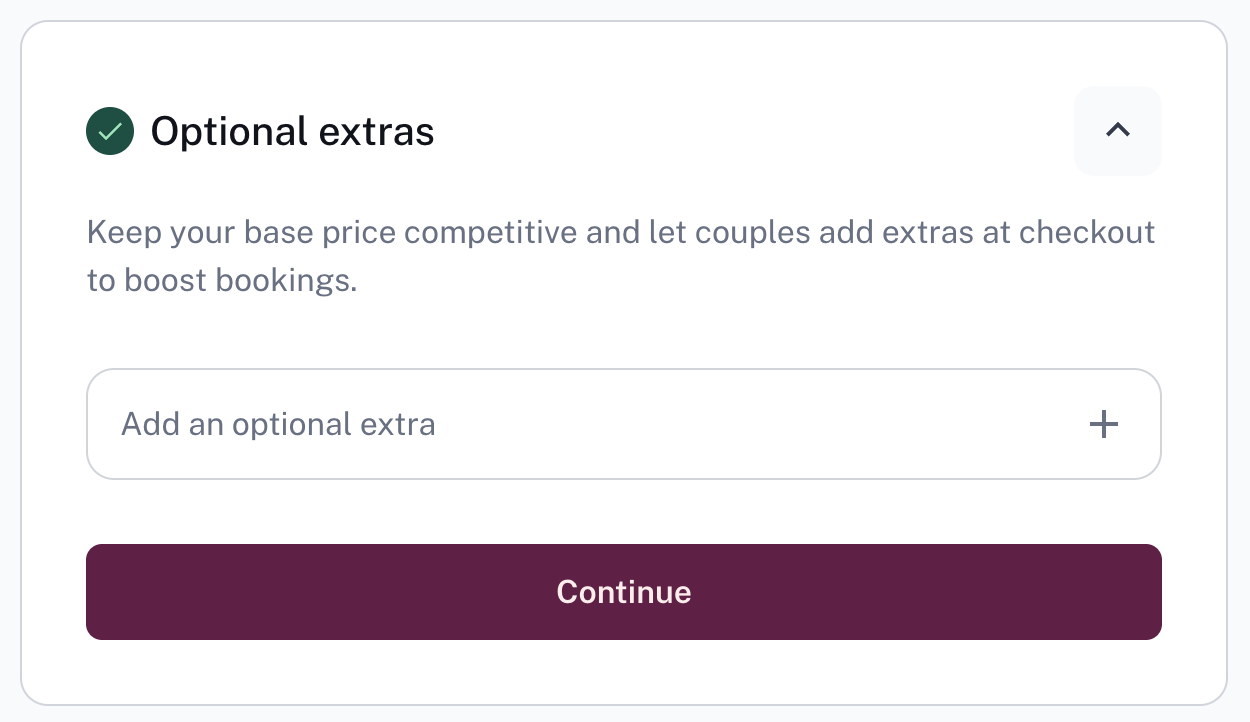
- Scroll down to the Optional extras section, and select Add an optional extra +
- For each extra, enter:
- A clear title
- A description
- The price you would like to charge
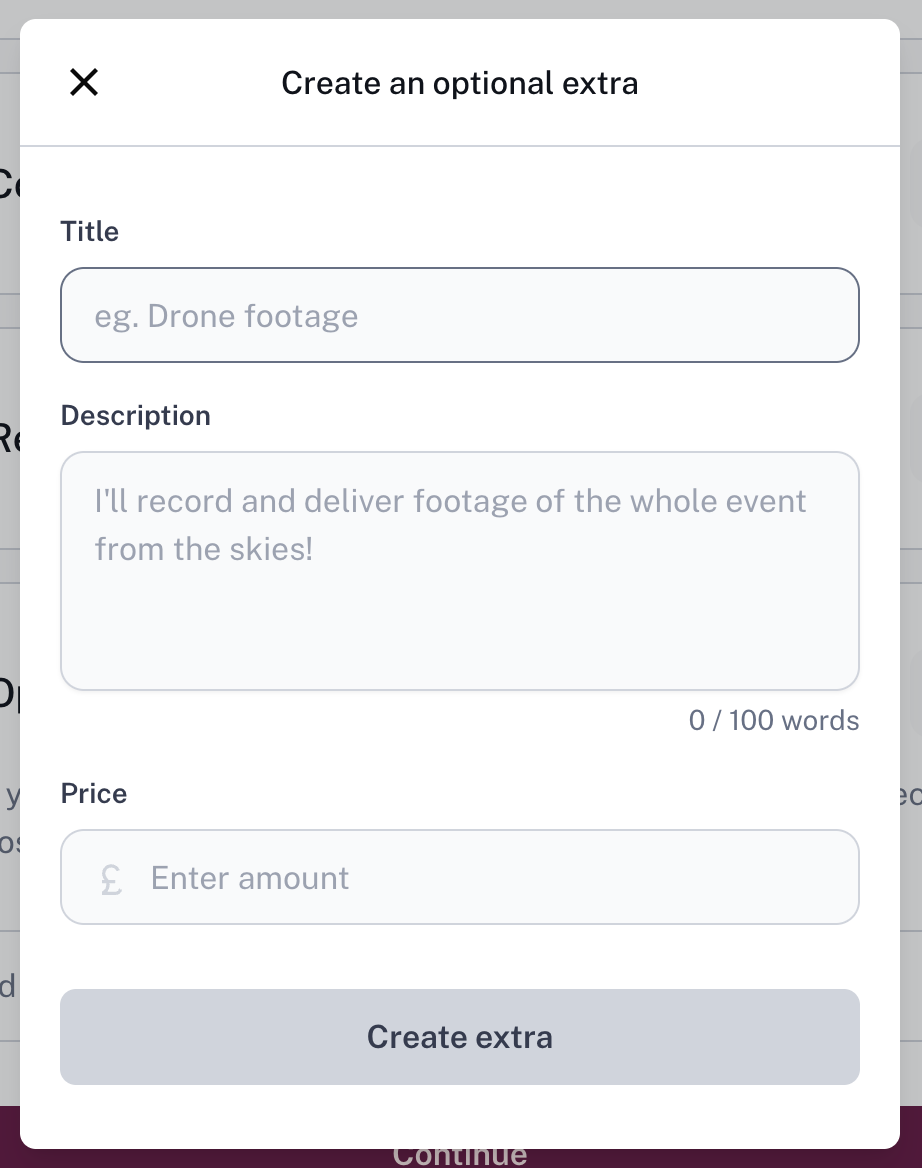
Then press Create Extra
- Repeat for as many extras as you'd like, we recommend offering a range to give couples more choice
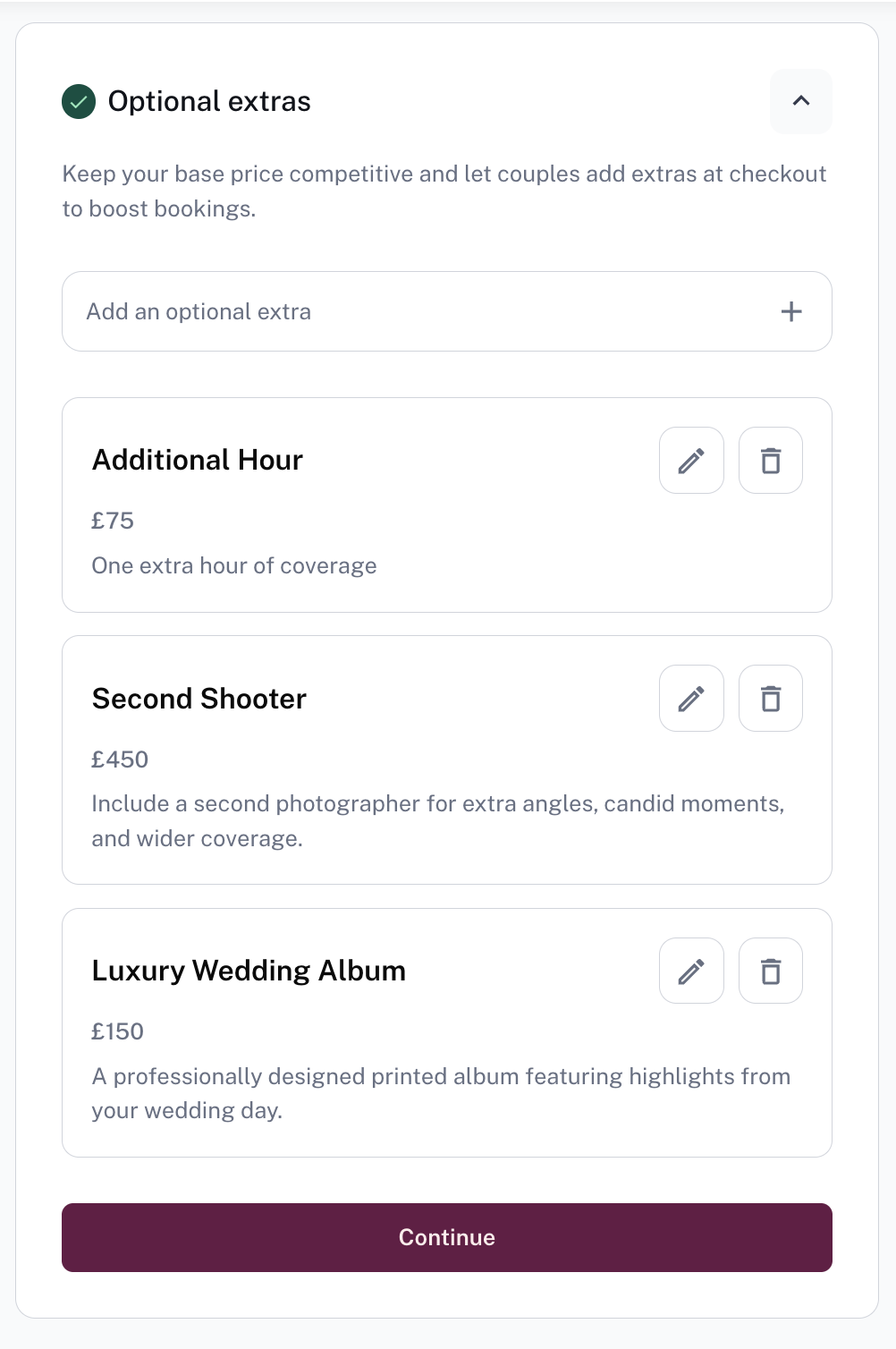 Note: Couples can only select one of each extra per booking. If you want to offer multiples of the same thing (e.g. two additional hours), create a separate extra with its own title and price — for example, 2 additional hours.
Was this article helpful?
That’s Great!
Thank you for your feedback
Sorry! We couldn't be helpful
Thank you for your feedback
Feedback sent
We appreciate your effort and will try to fix the article