There are a few ways to check your availability on wedissimo.
1. From your supplier dashboard (package-specific view)
- Go to Packages and select a package
- Click Manage availability
- Open the Calendar tab
This view is package-specific and shows both manually blocked dates and any events synced from your linked external calendar. Dates you've manually marked as unavailable will appear coloured.
2. From the couple-facing side of the site
This shows exactly what couples see when they try to book you.
- Go to Packages
- Click the three dots next to a package to View as couple at the bottom of the page
- Click Select date on your profile or package page
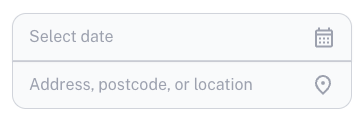
- A calendar will appear showing your availability from a couple's perspective. Unavailable dates will be faded and unclickable.
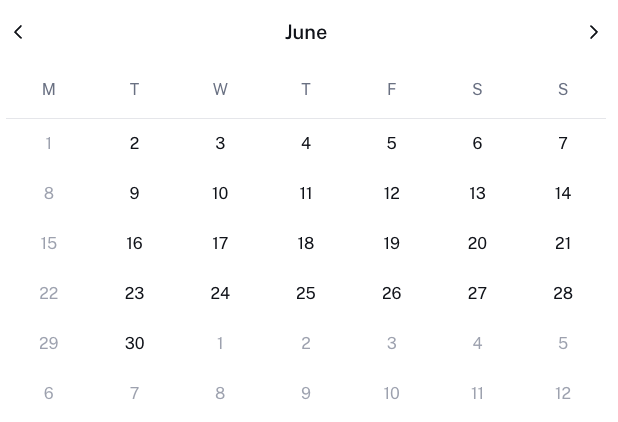
This is useful for double-checking that your availability looks correct, and confirming whether a specific date appears bookable.
3. Calendar tab
The Calendar tab in the sidebar gives you an overview of all your bookings in one place. This is a great way to see upcoming bookings at a glance across all of your packages.
If fewer dates are blocked than you'd expect, take a look at: Why aren't my events showing on the Wedissimo calendar?
Was this article helpful?
That’s Great!
Thank you for your feedback
Sorry! We couldn't be helpful
Thank you for your feedback
Feedback sent
We appreciate your effort and will try to fix the article