Go to the Packages tab, click the three dots next to any live package and select View as couple. This shows you exactly what couples see when they find your listing.
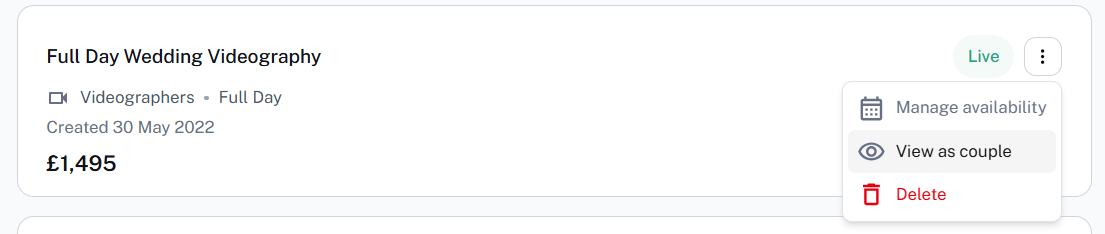
Pro tip: Copy the URL from this view and paste it directly into your messages to couples — it takes them straight to the right package, making it as easy as possible for them to complete their booking.
Was this article helpful?
That’s Great!
Thank you for your feedback
Sorry! We couldn't be helpful
Thank you for your feedback
Feedback sent
We appreciate your effort and will try to fix the article