Your minimum booking window controls how much notice you need before a wedding, in other words, how last-minute a couple can book you. For example, setting this to 30 days means couples must book at least 30 days in advance.
To set your booking window:
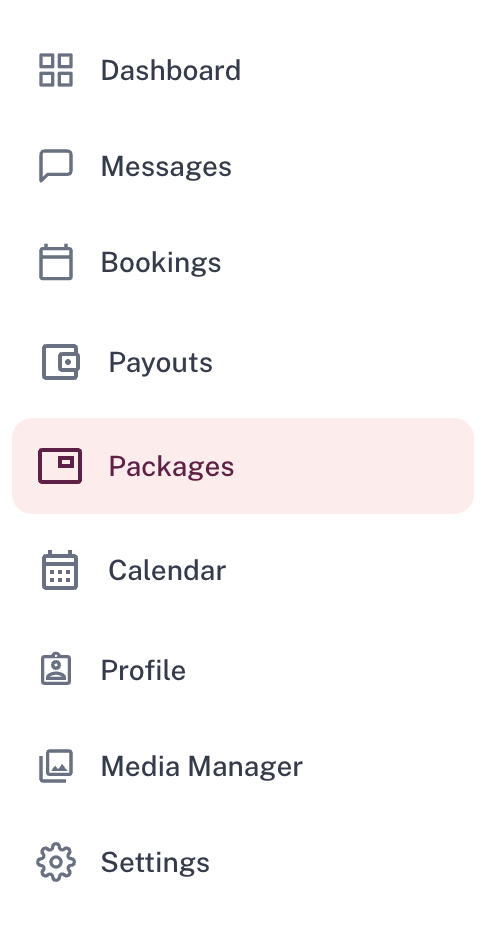
- Go to Packages and select the package you want to edit
- Click Manage availability

- Scroll to the Booking settings section at the bottom
- Set how many days' notice you need (maximum 60 days)
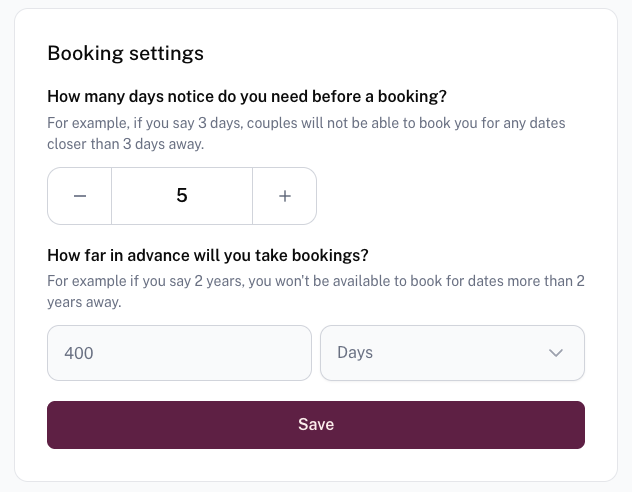
- Click Save
This is set per package, so you can apply different booking windows across your packages, for example, requiring more notice for a larger package than a smaller, more local one.
Was this article helpful?
That’s Great!
Thank you for your feedback
Sorry! We couldn't be helpful
Thank you for your feedback
Feedback sent
We appreciate your effort and will try to fix the article