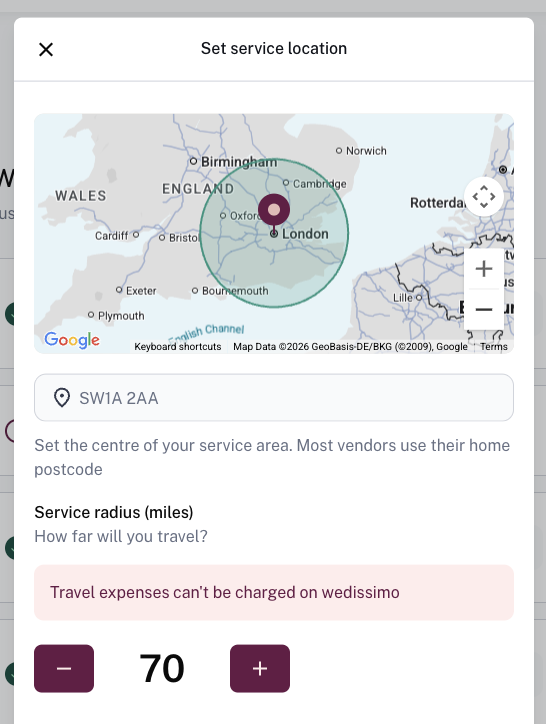
Your working area determines which searches you appear in, you'll only show up in results where a couple's venue falls within your set radius.
Working areas are set per package, so each of your packages can cover a different area. For example, you might set a larger radius for a higher-value package, or create separate packages if you work across two distinct locations.
How to update your working area
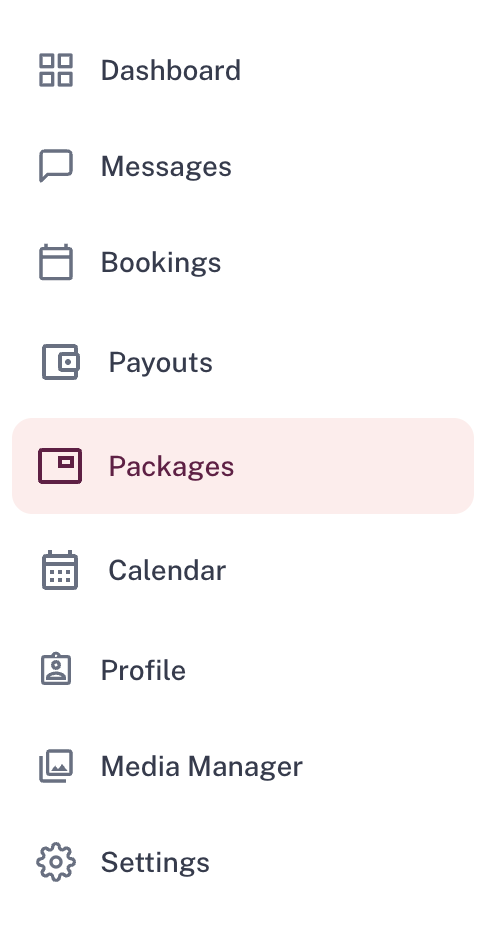
- Go to Packages
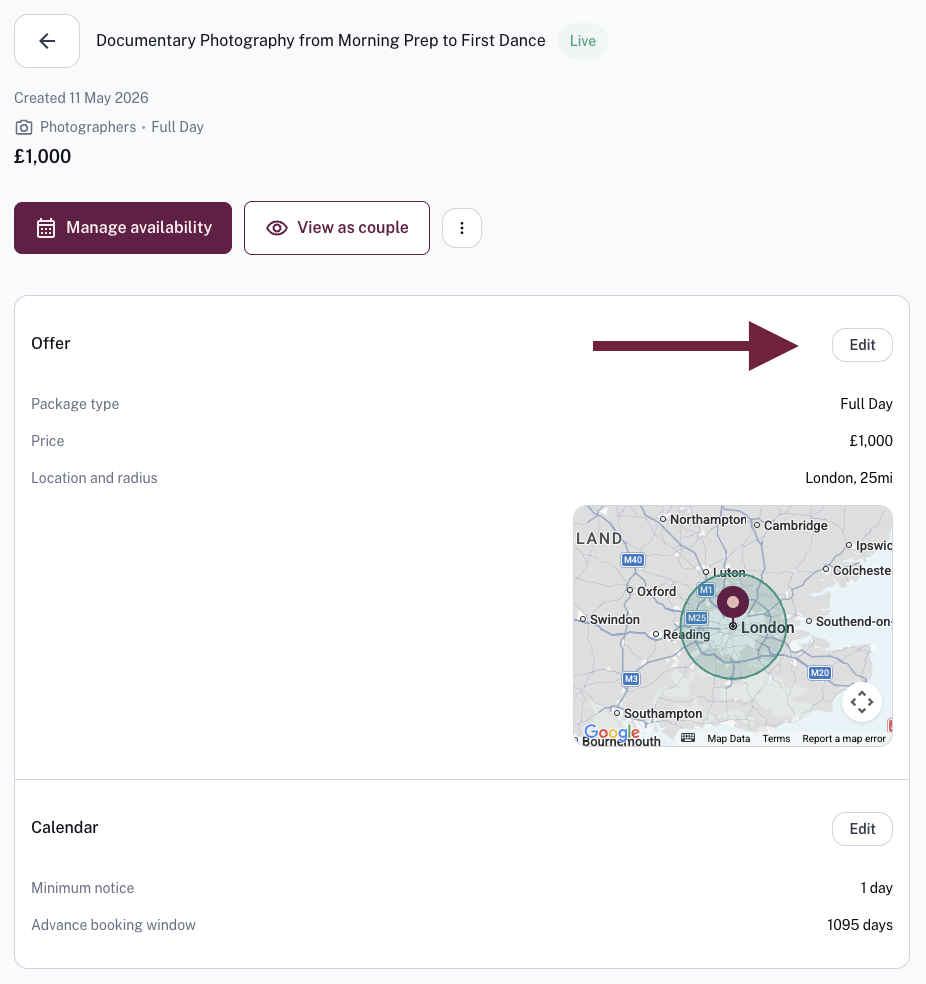
- Open the package you want to edit
- Click Edit in the Offer section
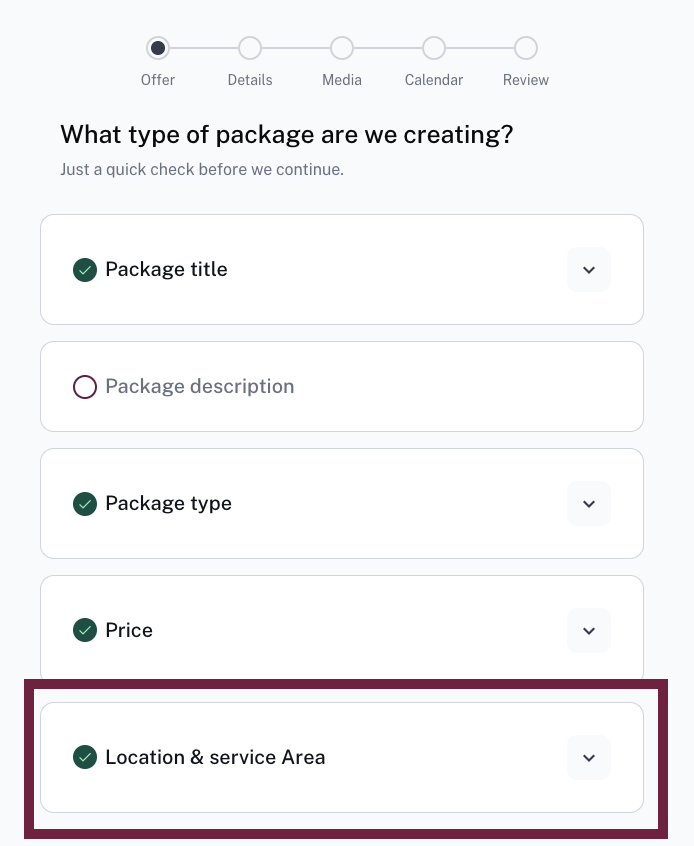
- Scroll down to Location and service area
- Click Change above the map
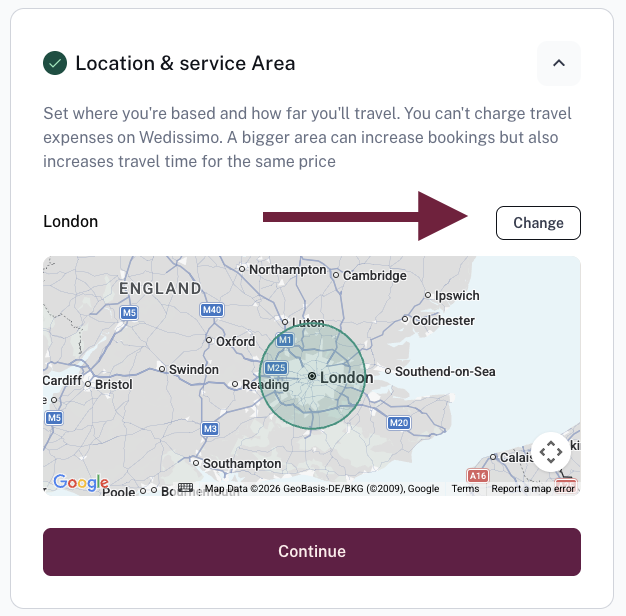
- Adjust your central point and/or radius — you'll see a live preview of your coverage on the map
- Press Save and continue through the package edit screen to confirm changes
Tips
- The bigger your radius, the more visibility you'll have on the platform
- wedissimo package prices are all-inclusive, so travel fees can't be added on top, choose a radius you're genuinely happy to travel within your listed price
- Your central location doesn't have to be your home address, and the exact point you set is never shown to couples, they only see the coverage area on the map
Was this article helpful?
That’s Great!
Thank you for your feedback
Sorry! We couldn't be helpful
Thank you for your feedback
Feedback sent
We appreciate your effort and will try to fix the article