You can hide any package so it's no longer visible to couples browsing wedissimo. When a package is hidden, it won't show in search results, featured pages or on your profile.
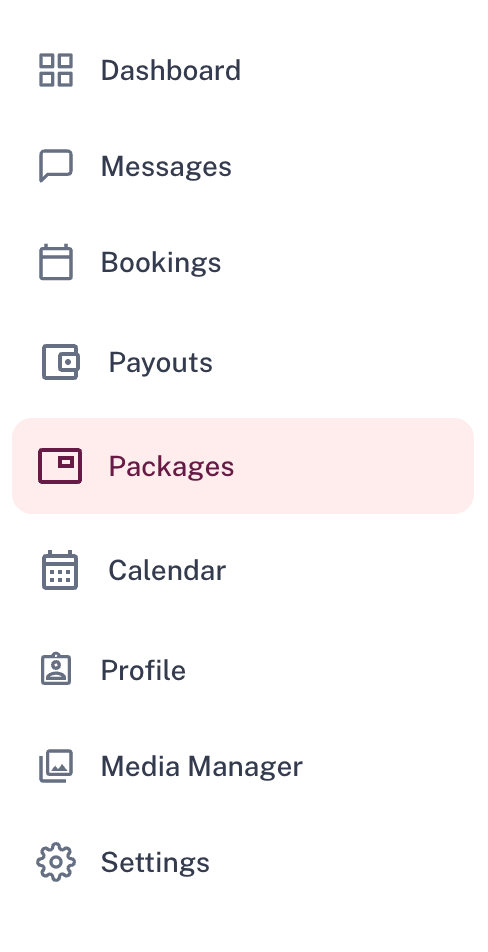
- Go to the Packages tab
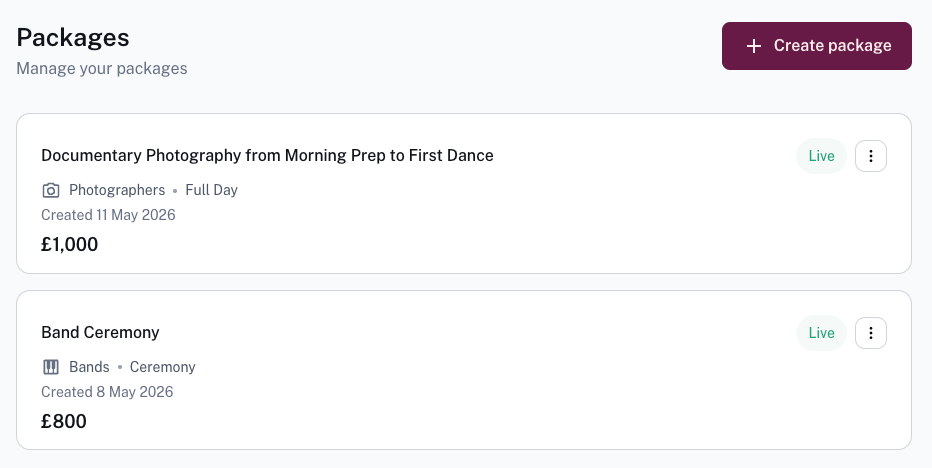
- Click on the three dots ⋮ next to the package you want to hide
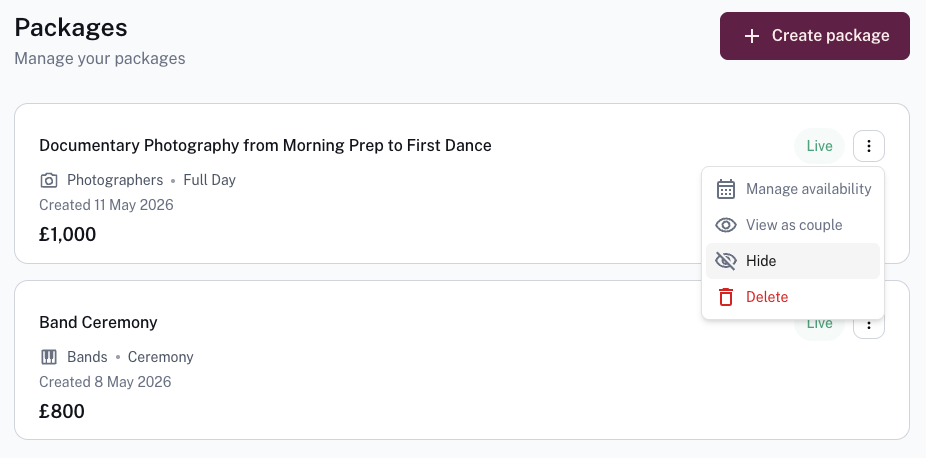
- Select Hide
You can also click into the package itself, select the three dots ⋮ and Hide from there 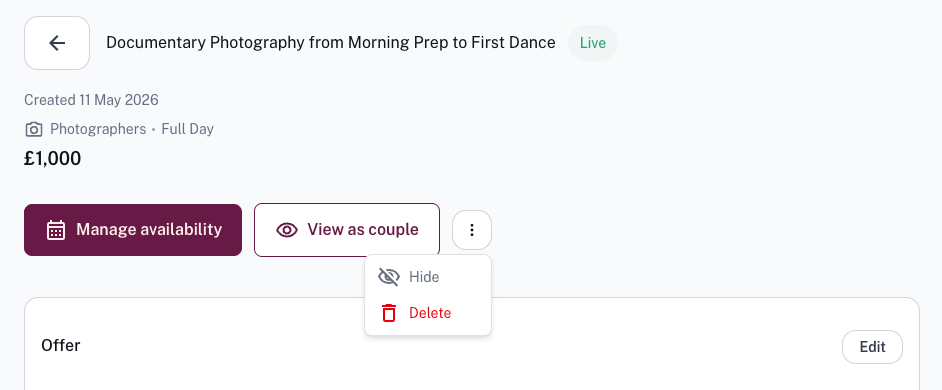
To make it visible again, simply click Unhide in the same spot.
Was this article helpful?
That’s Great!
Thank you for your feedback
Sorry! We couldn't be helpful
Thank you for your feedback
Feedback sent
We appreciate your effort and will try to fix the article